C64 Graphics Explorer

Authentic CRT simulation and pixel inspection tool for enjoying artwork made for the Commodore 64.
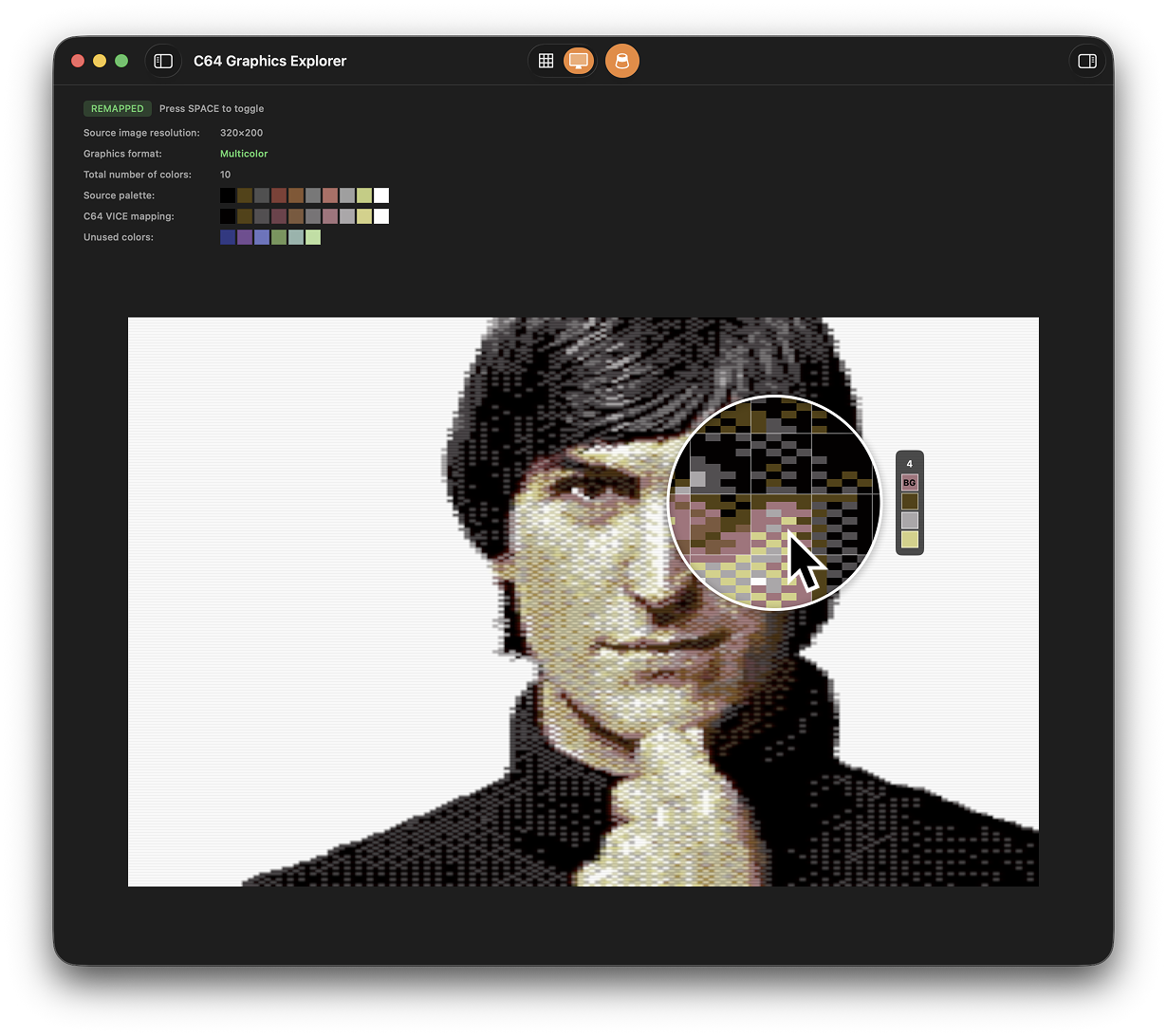
C64 Graphics Explorer app interface
Download for macOS (free)

Requires macOS Sequoia 15.6+ and Apple Silicon, sample images included

What does it do?

This app lets you explore Commodore 64 graphics in all their forms, from original games to today’s art scene, and see how artists are still pushing the limits of this 44-year-old platform.

Modern pieces often leave you wondering: how the hell did they get away with these impossible limits?

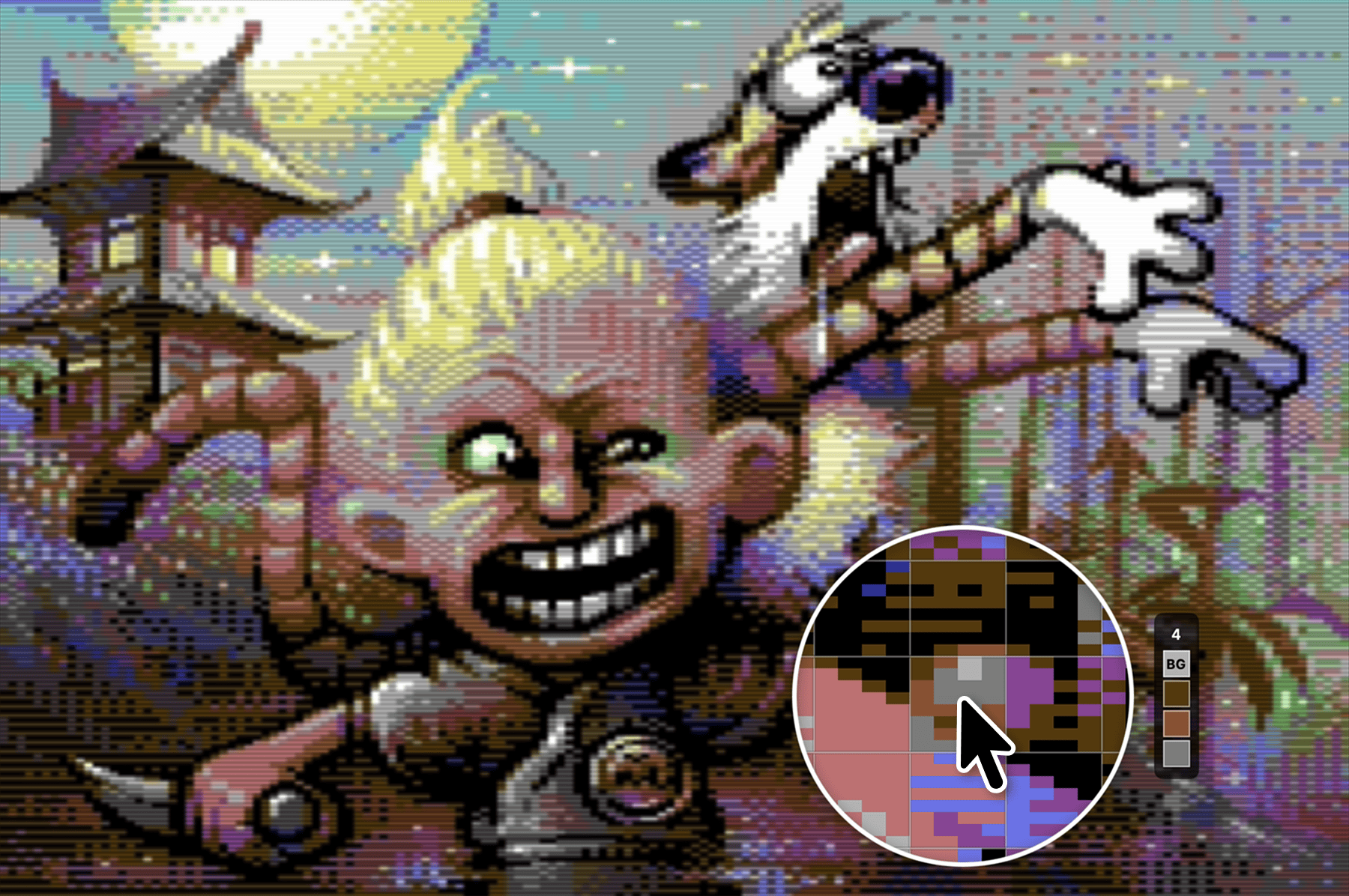
Mirage artwork in C64 Graphics Explorer
A masterclass in working within limits as rendered by C64 Graphics Explorer. Art by Lars Verhoeff (Mirage)

2026 Summer update

What’s new

C64 Graphics Explorer is an authentic viewer, converter, and a deeper way to explore how C64 artwork is built.

Viewer

  • The whole display subsystem is new. It is rebuilt from the ground up using Pepto’s Colodore model. The colors are built the way the VIC-II builds them, starting from the color index rather than guessing backwards from RGB.
  • Measured against Colodore captures, all sixteen colors match exactly. Across the entire image, no individual RGB value differs from the reference by more than four levels out of 255, or 1.6%. Out of the box, the defaults are tuned to match VICE’s CRT output.
  • 2× and 3×, switched on the fly. All artwork renders at either scale, changed live with the 2 and 3 keys, sharp at rest and animated in between. True Aspect is on by default, both VIC-II generations are available, and calibration follows a Commodore 1084S front panel.
  • Two modes. Pixels shows the raw source pixels the image is made of. Display shows how a C64 actually puts it on screen. Space crosses between them, and the loupe works in both.
  • Interlaced artwork, true to the machine. In Display, it vibrates at the PAL rate; Pixels lets you inspect the artist’s intended picture, the one a real C64 could never hold still.
  • C64GFX support. Paste a c64gfx.com artwork address with Shift+Cmd+O and the picture opens in the app, interlaced artwork included as a real pair. Or press Cmd+R and get a random popular one.

Importer

  • Import review. A redesigned, simplified color-indexing workflow. The dialog shows the proposed mapping, identifies whether the source is indexed or RGB, and lets you drag swatches to correct it.
  • Interlaced artwork, reviewed as one. Both phases are combined into one high-resolution artistic-intent image, and you can save the remapped result directly from the dialog.

Converter

  • Save what the artwork is made of or how it looks. An indexed image is a true 16-color PNG in canonical C64 order. A rendered image is the view exactly as it sits on screen: current mode, scale, calibration, True Aspect, and chip revision.
  • Interlaced artwork exports too. Choose a blended PNG for the picture your eye actually mixes the two phases into, or an animated GIF for the flickering performance itself.
  • Set up the view you want and hit Save. True Aspect, either VIC-II revision, nearest-neighbor pixels, CRT rendering, and layered artwork all export at 2× or 3×. Animated artwork, including layered and interlaced pictures, can become a looping GIF.

Layered images, fully open

  • Open layered artwork directly. Choose a Layered C64 Image Format folder in File → Open, drag it onto the app, or open it from the Dock.
  • Layers can now animate independently. The refreshed gallery includes new layered samples, including Zombie Pirate Intro with its original animation. The layered image format is published as an open specification; make your own deconstructions and view them in the app.

There is an inherent beauty in the pixel graphics of the Commodore 64.

The original, somewhat washed-out color set emerged from a small team working on the VIC chip: with direct control over hue, saturation, and luminance, the colors were chosen largely by instinct.

These colors, combined with the strict limitations on how they could be used gave rise to an entire era of artists who hadn’t stopped in the early ’90s when the Commodore 64 begun to fade.

These limits became a new norm, a canonical part of life for those who grew up with this 8-bit platform producing not only pixel art, but code and music.


C64 Graphics Explorer Features

Gallery, Files & C64GFX

Start with a refreshed built-in gallery of layered works, detailed breakdowns, and original animations. Open your own images or Layered C64 Image Format folders, or paste an artwork link from c64gfx.com.

Authentic C64 Display

A rebuilt display pipeline based on Pepto’s Colodore model renders from the original color indices. Switch live between 2× and 3×, use True Aspect, choose either VIC-II revision, and tune the display like a Commodore 1084S.

Loupe, Grid & Details

Inspect the source pixels and exact color indices inside every 8×8 character cell. The loupe works in both viewing modes, even while interlaced artwork is moving. Drag large artwork in the canvas, align the grid to bordered images, and check used-color swatches and CSDb links in Image Details.

Pixels & Display

Pixels shows the clean picture the artist intended; Display shows what C64 hardware could actually put on screen. Cross between them with Space and see interlaced artwork alternate at the original PAL rate.

Smart Import & Remapping

Canonical C64 images open directly. Other artwork gets a visual review that identifies its source format and color count, maps it to the 16-color palette, and lets you drag corrections. It also identifies Hires, Multicolor, or Hires Multicolor artwork.

Export What You See

Save a canonical indexed PNG or the rendered view with its current scale, aspect, calibration, chip revision, and visible layers. Animated and interlaced artwork can become a looping GIF; an interlaced still becomes a blended PNG.


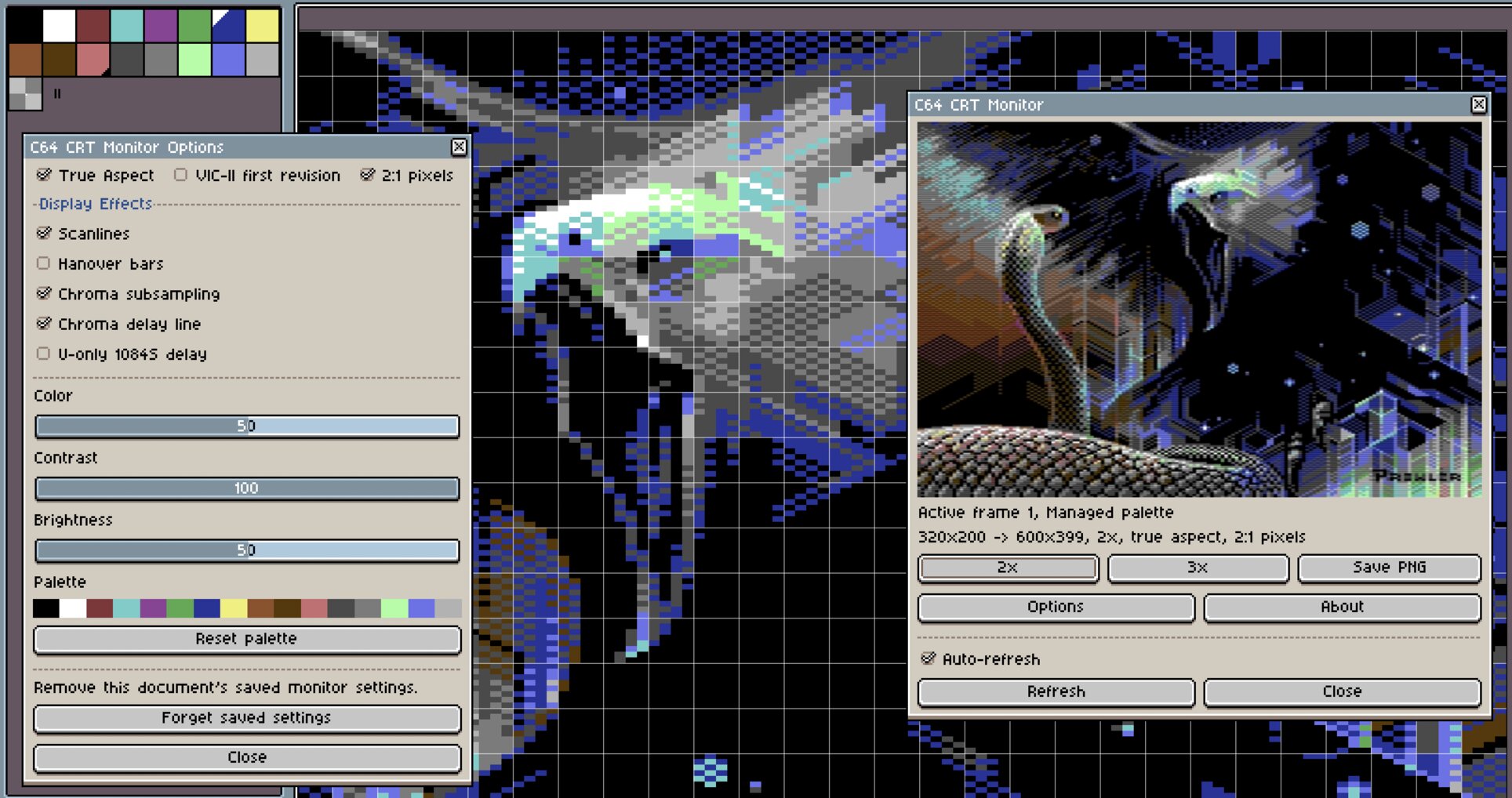
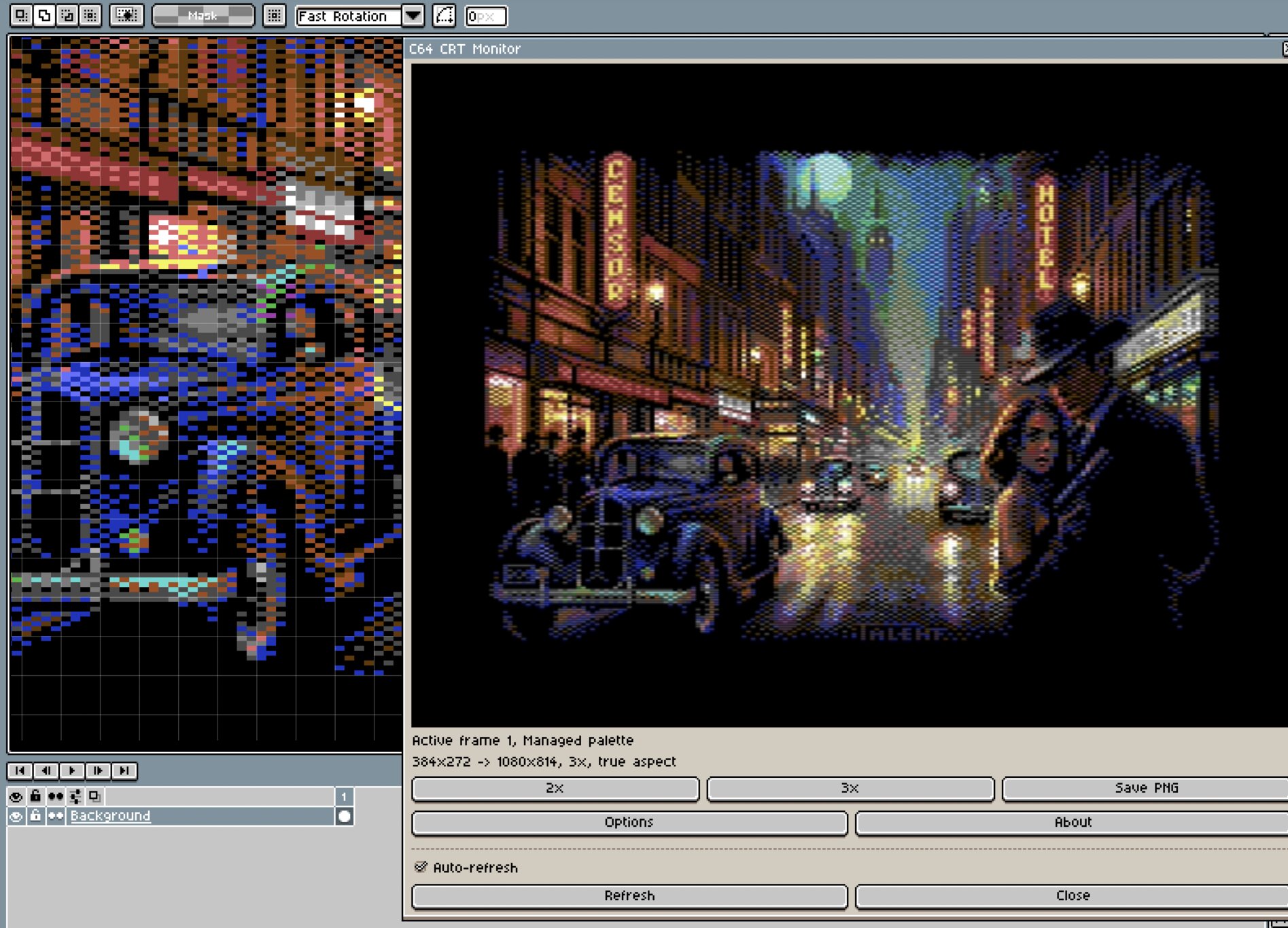
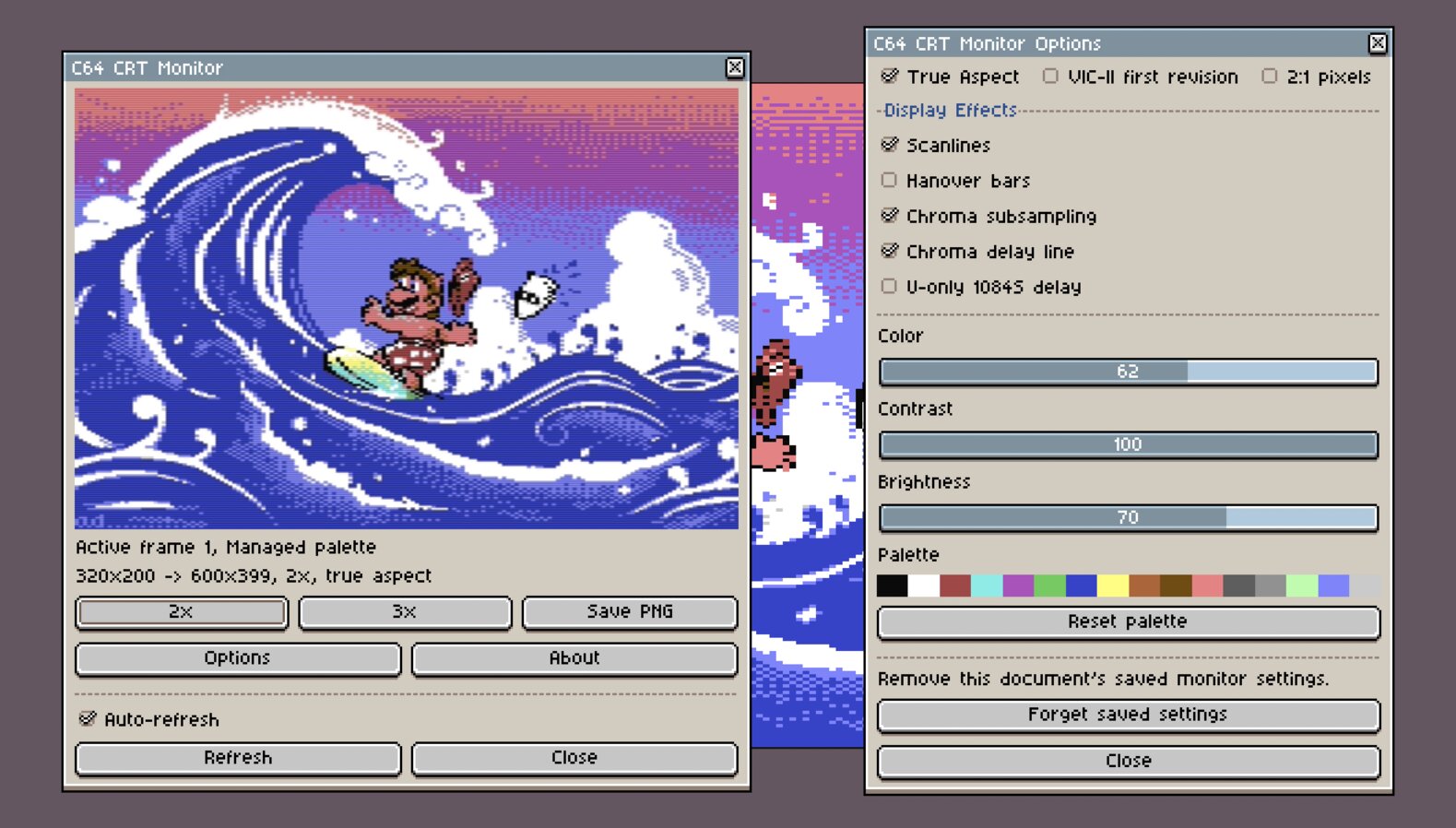
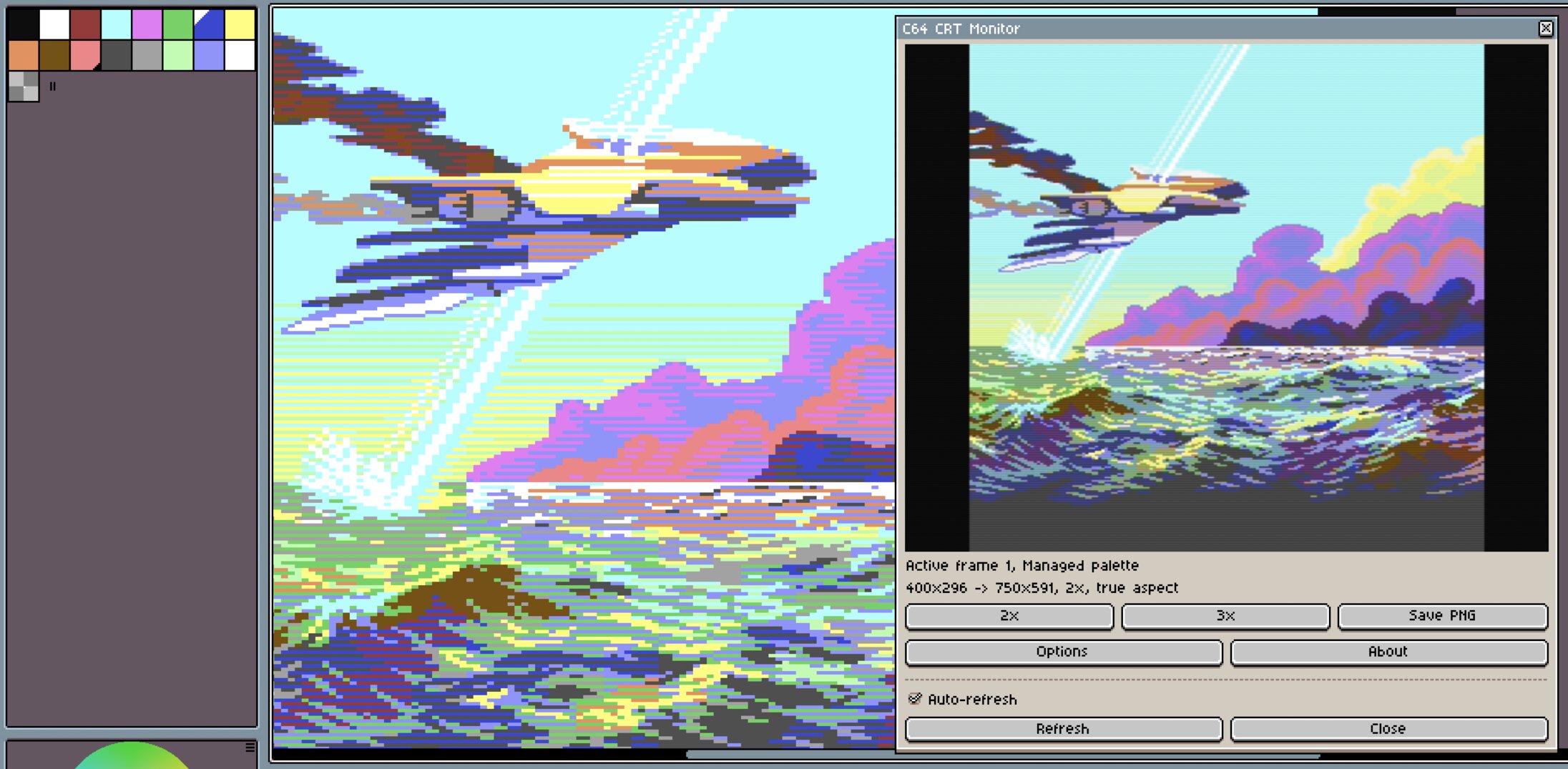
C64 CRT Monitor for Aseprite

Bring C64 Graphics Explorer’s authentic Colodore CRT emulation into Aseprite. Preview your active frame as a Commodore monitor would show it, tune the display live, and export the rendered result.

Get C64 CRT Monitor on itch.io

Contact support

If you have questions about this app or need support, send an email.

Privacy Policy

We don’t collect any data. Your images stay on your Mac. Read the full policy.